Using the Library of ready-made designs
Open the Design gallery
From the Dashboard choose Browse ready-made designs, or open Design gallery from navigation when available.
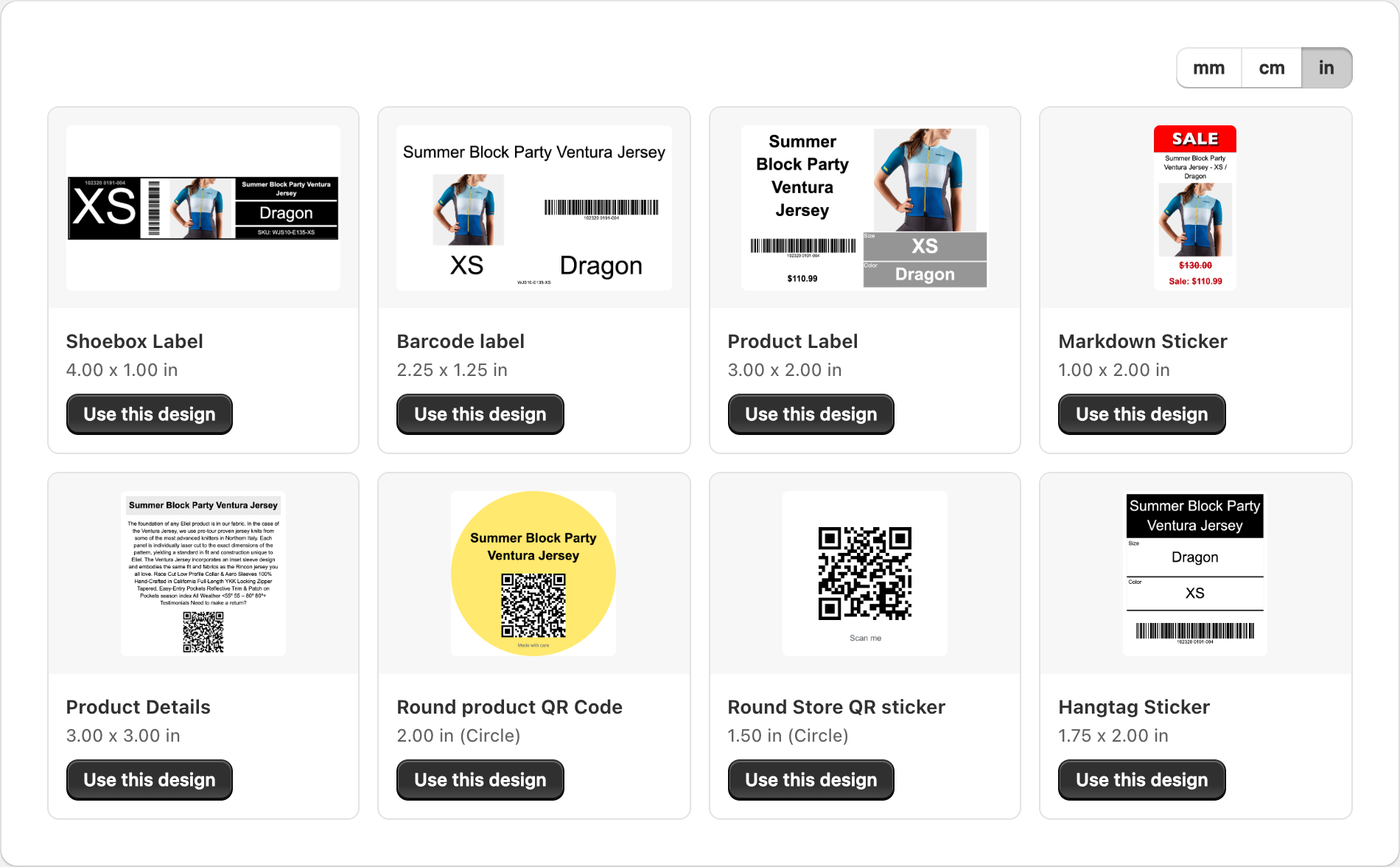
Browse designs
- Scroll or page through available samples.
- Look for layouts that match your stock size and the fields you need (barcode, price, title).
Preview with your products
When the gallery offers sample data controls, use Change variant (or previous/next) to see how a design looks with your own catalog. This is the best way to judge whether titles fit and barcodes look correct.
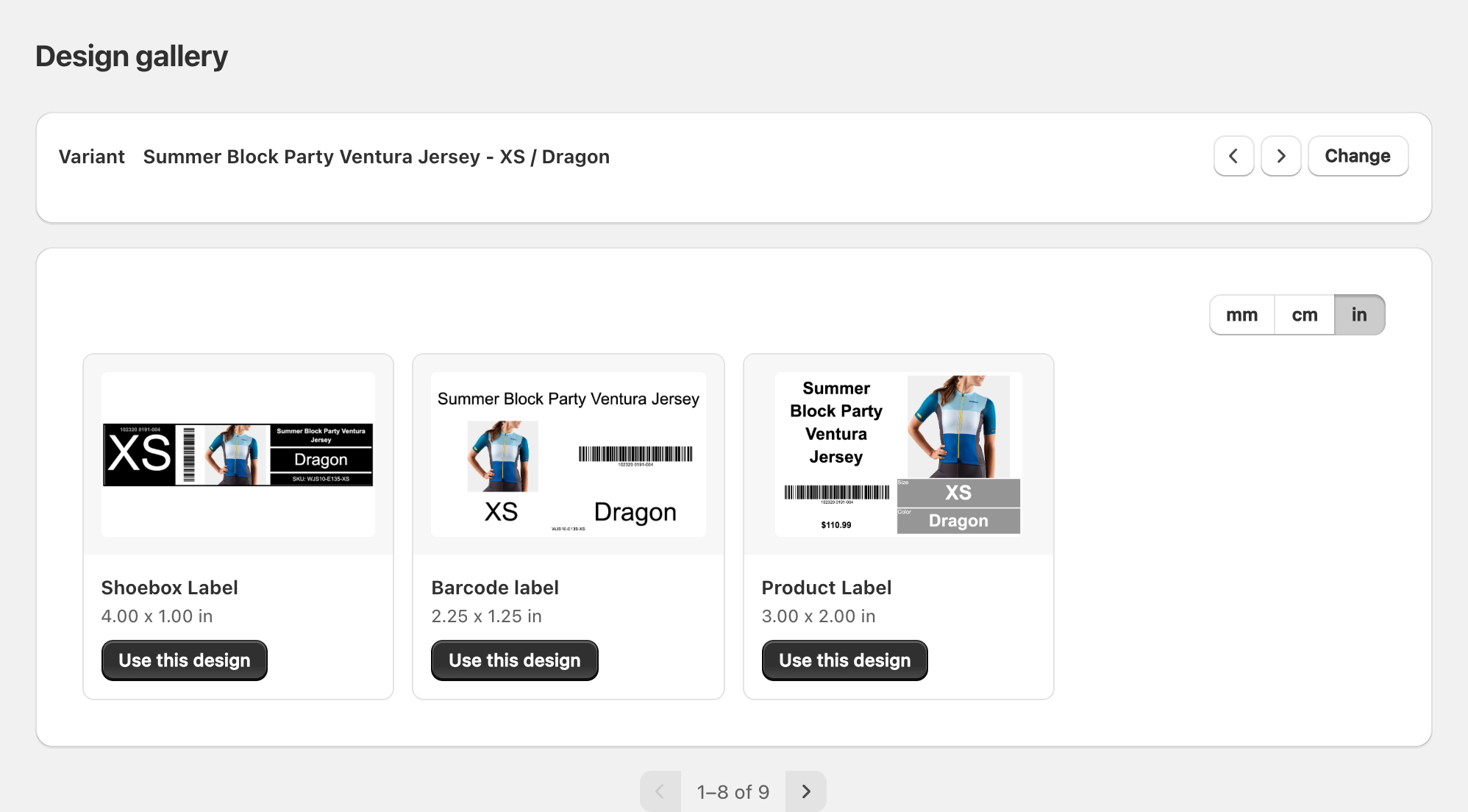
Start from a ready-made design
- Open the design you like.
- Choose Create label / start design (wording may vary slightly).
- Adjust text, fields, and branding in the editor.
- Save under My designs.
Ready-made designs are starting points — customize them so they match your brand and stock.
Related articles
Updated on: 09/10/2026
Thank you!