Finding your label sheet in Sheets & Rolls
Open Sheets and rolls
In Label Wizard navigation, open Sheets and rolls. You will see a list of templates with dimensions and layout (sheet vs continuous).
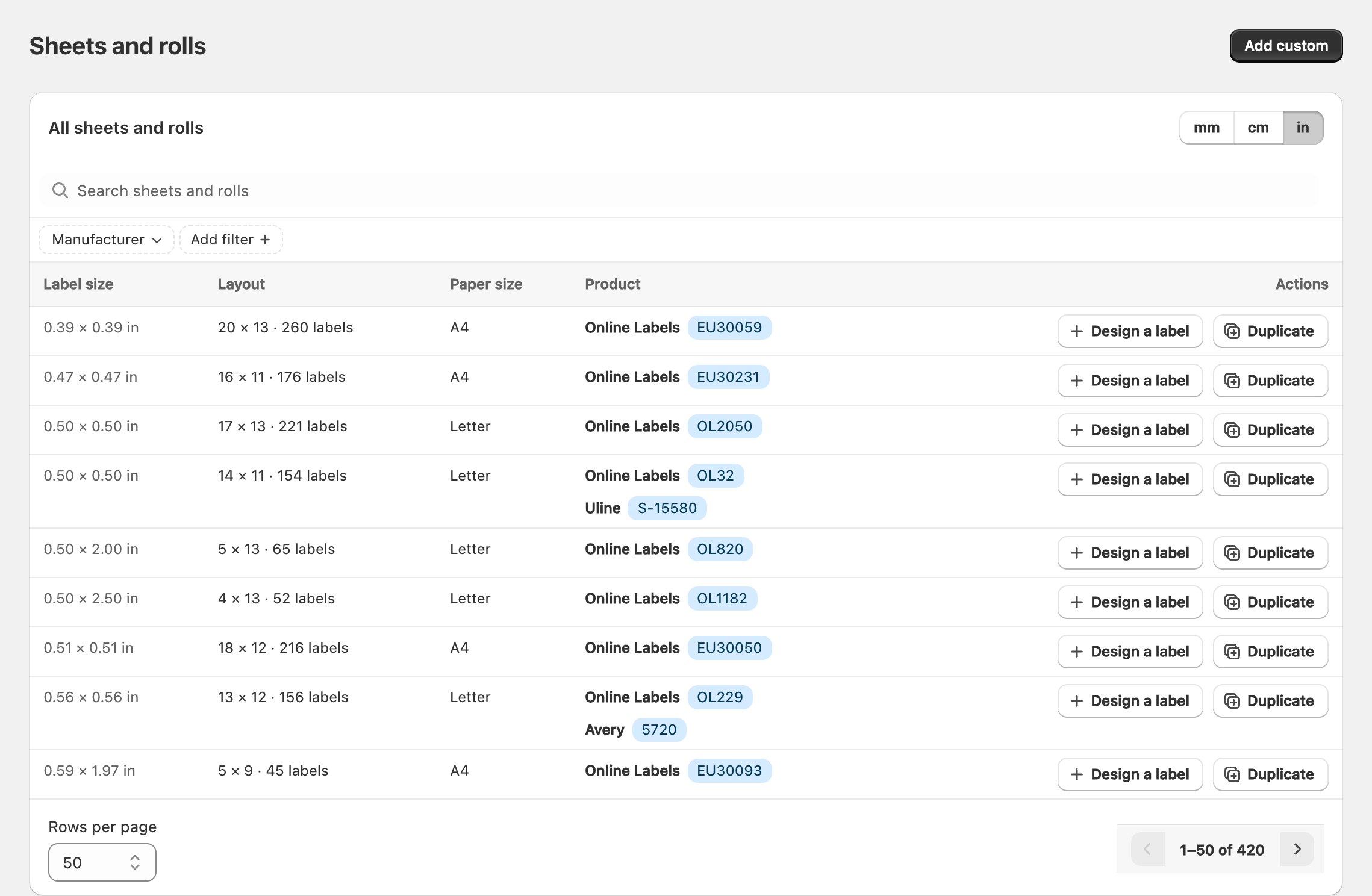
Search and filters
- Use search for product codes or sizes (for example
Avery 5160,Uline, or4x6). - Filter by Size and Shape when available.
- Clear filters when you want the full catalog again.
Manufacturers you may see include Online Labels, Avery, Custom, Plain paper, and Continuous Feed.
Start a design from a template
- Find the row that matches your physical stock.
- Choose Design a label (or the equivalent action on that row).
- Edit the design, then save.
Matching the template to your stock is the easiest way to keep print alignment correct.
Duplicate or customize
- Use Duplicate when you want a copy of a catalog template to tweak.
- Use Add custom when your stock is not in the list. See Creating a custom sheet or roll template.

Related articles
Updated on: 09/10/2026
Thank you!