Designing labels with Shopify Sidekick
Current availability
Label Wizard is building Sidekick tools so merchants can ask Sidekick to draft or update a label design. That Sidekick admin experience depends on Shopify supporting Label Wizard’s Sidekick intent in your shop.
Until the Sidekick action is enabled for your store, create and edit designs from Label Wizard itself:
- Dashboard → Design a label
- Design gallery ready-made layouts
- Sheets and rolls → Design a label
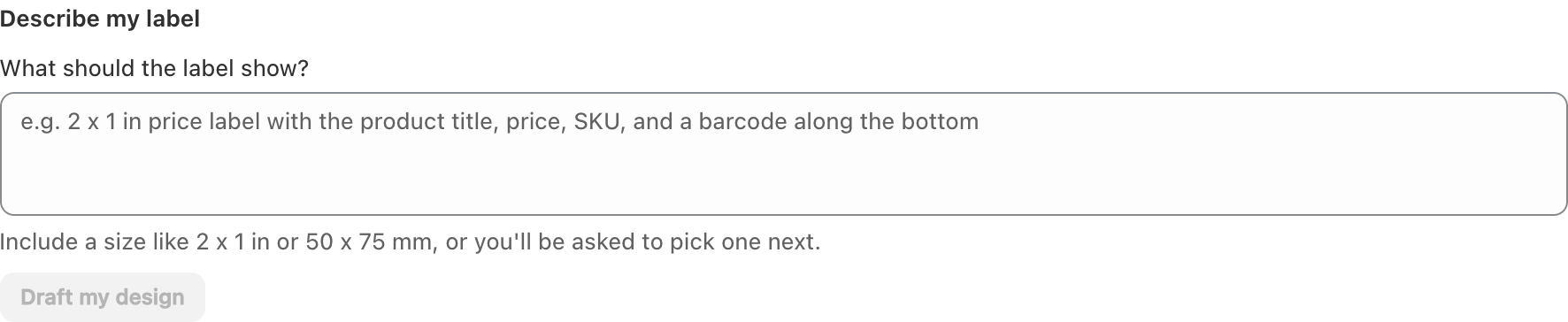
What Sidekick will help with
When available, Sidekick is intended to help you:
- Start a new label design from a short instruction
- Inspect the current design while the editor is open
- Apply updates Sidekick proposes
Designs applied this way still need you to review and Save in Label Wizard before they are stored for printing.
Recommended workflow today
- Create a design from scratch, a sheet, or the Design gallery.
- Add product fields, barcodes, and branding in the editor.
- Save, then print from Print labels or the admin block.
See Creating a new label design.
Related articles
- Creating a new label design
- Using the Library of ready-made designs
- Label Wizard on product and variant pages
Updated on: 09/10/2026
Thank you!